Step 3: Update Device with New Certificate
This step describes how to update the device with the new certificate.
| ➢ | To update device with new certificate: |
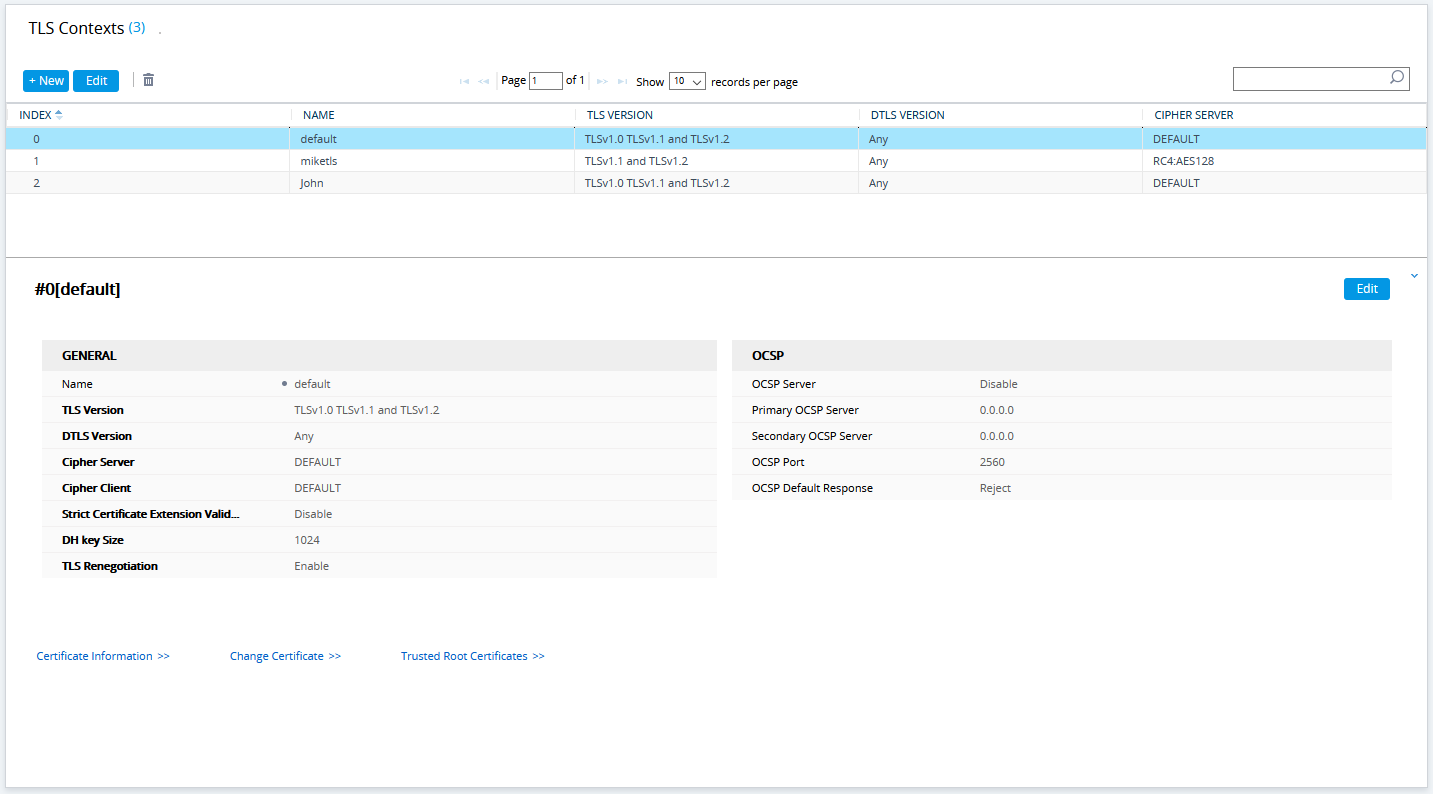
| 1. | Open the TLS Contexts page (Setup menu > IP Network tab > Security folder > TLS Contexts). |
| 2. | In the table, select TLS Context #0, and then click the Change Certificate button, located below the table; the Context Certificates page appears. |
TLS Contexts Table
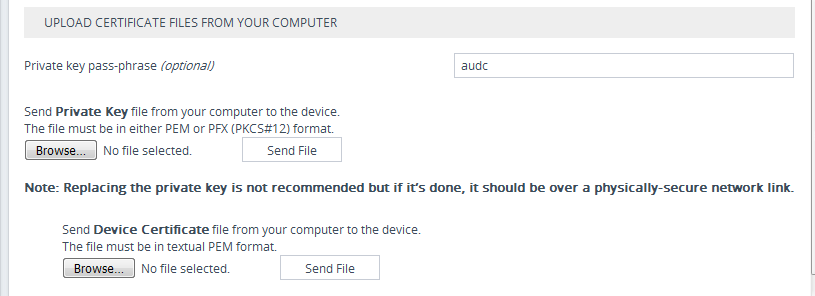
| 3. | Under the Upload certificates files from your computer group, click the Browse button corresponding to the 'Send Device Certificate...' field and then navigate to the device.crt file, and click Send File. |
Upload Certificate Files from your Computer Group